Apple introduced the M3 generation of the MacBook Pro in October 2023, bringing the base M3, M3 Pro, and M3 Max chips to the 14-inch model and the two higher-end chips to the 16-inch model. This review looks back at that generation as a complete product rather than treating the processor name as the only reason to buy.
The central appeal remains the same: desktop-class creative performance in a laptop with an excellent screen, strong speakers, a useful selection of ports, and battery life that does not collapse as soon as demanding work begins. The M3 models also added a Space Black finish to selected configurations and gave buyers a less expensive route into the 14-inch MacBook Pro through the standard M3 chip.
Because newer MacBook Pro generations now exist, the M3 series is most interesting when it is discounted, refurbished, or already part of a professional workflow. It is still a very capable computer, but value depends heavily on the exact chip, memory, storage, and price.
1. What the M3 generation changed
The three chips are designed for different workloads. The standard M3 is the sensible choice for writing, web development, photography, music production, and moderate video editing. M3 Pro adds more memory bandwidth, additional CPU and GPU resources, and better support for sustained professional workloads. M3 Max is aimed at demanding 3D, visual-effects, large software builds, and high-resolution video pipelines.
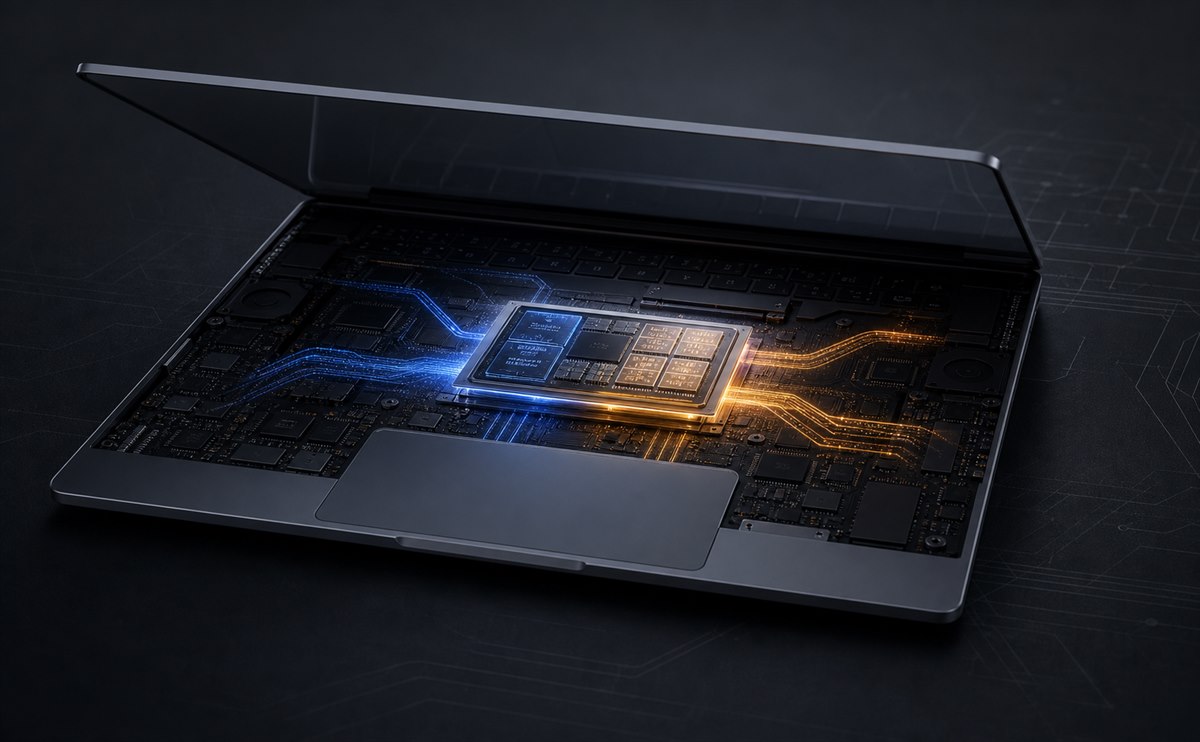
The M3 family was Apple's first Mac chip generation built with a 3-nanometer process. Its GPU architecture introduced Dynamic Caching along with hardware-accelerated mesh shading and ray tracing. Those features matter most in applications and games that are written to use them; they do not automatically make every older task dramatically faster.
Choose the chip for the work you actually run. Extra memory is often more valuable over the life of the machine than paying for GPU capacity that sits unused.
Compared with an Intel-based Mac, any M3 MacBook Pro is a major step forward in speed, efficiency, heat, and noise. Owners of an M1 Pro or M2 Pro machine should expect a more incremental upgrade unless a specific application benefits from the newer media engine, graphics architecture, or higher-end M3 Max configuration.

The enclosure keeps the practical design introduced with the 2021 MacBook Pro. The 14-inch version is easier to carry and already provides a spacious workspace. The 16-inch version gives editors, developers, and designers more room, stronger sustained cooling, and the longest battery option, but it is noticeably heavier in a daily bag.
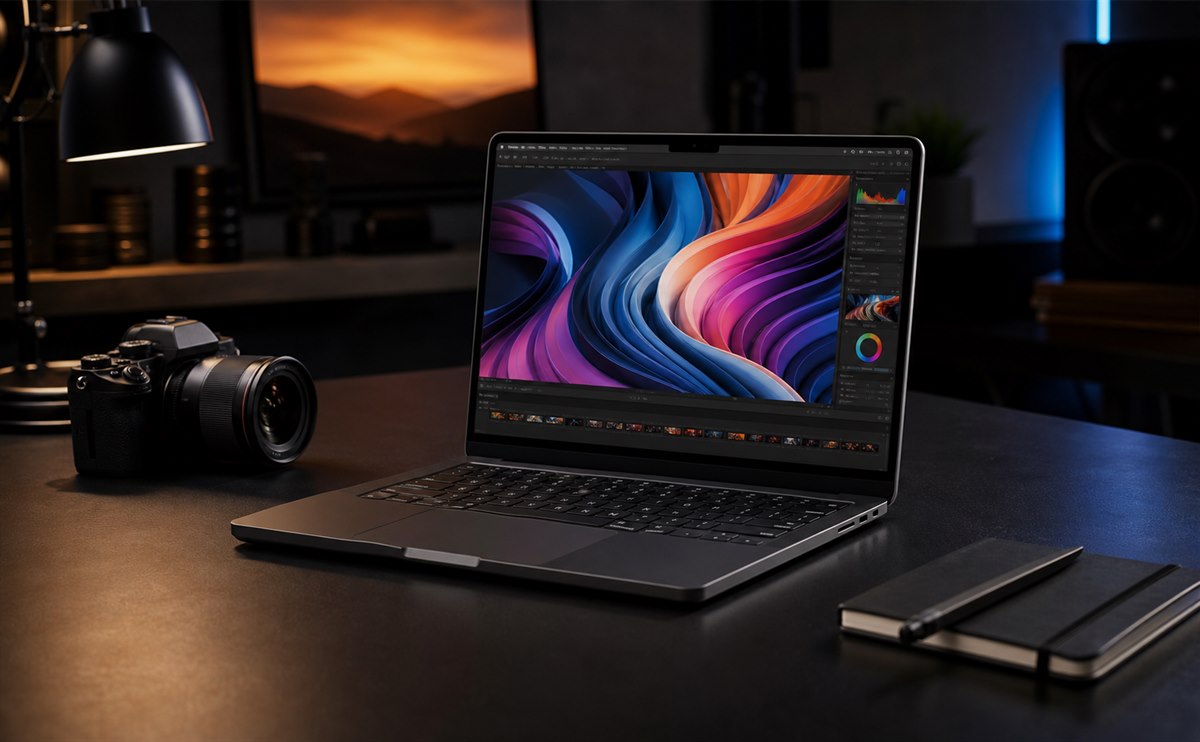
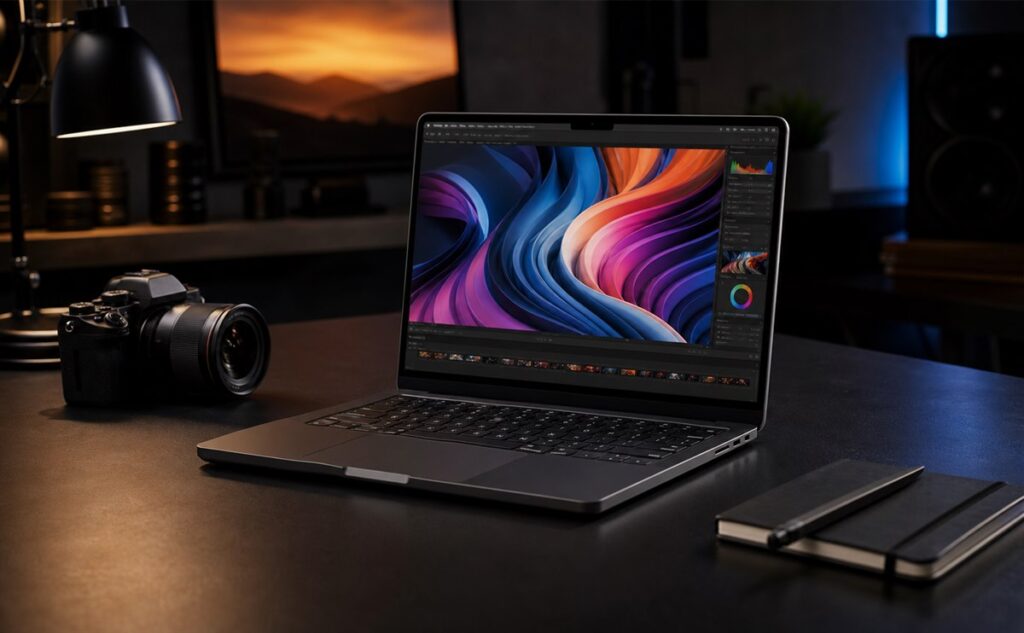
Both sizes use a Liquid Retina XDR display with excellent contrast, HDR capability, wide color support, and ProMotion adaptive refresh. The notch remains visible at the top, although it usually disappears into the menu bar during work. The six-speaker system is unusually full for a laptop, while the keyboard and large trackpad remain dependable rather than experimental.
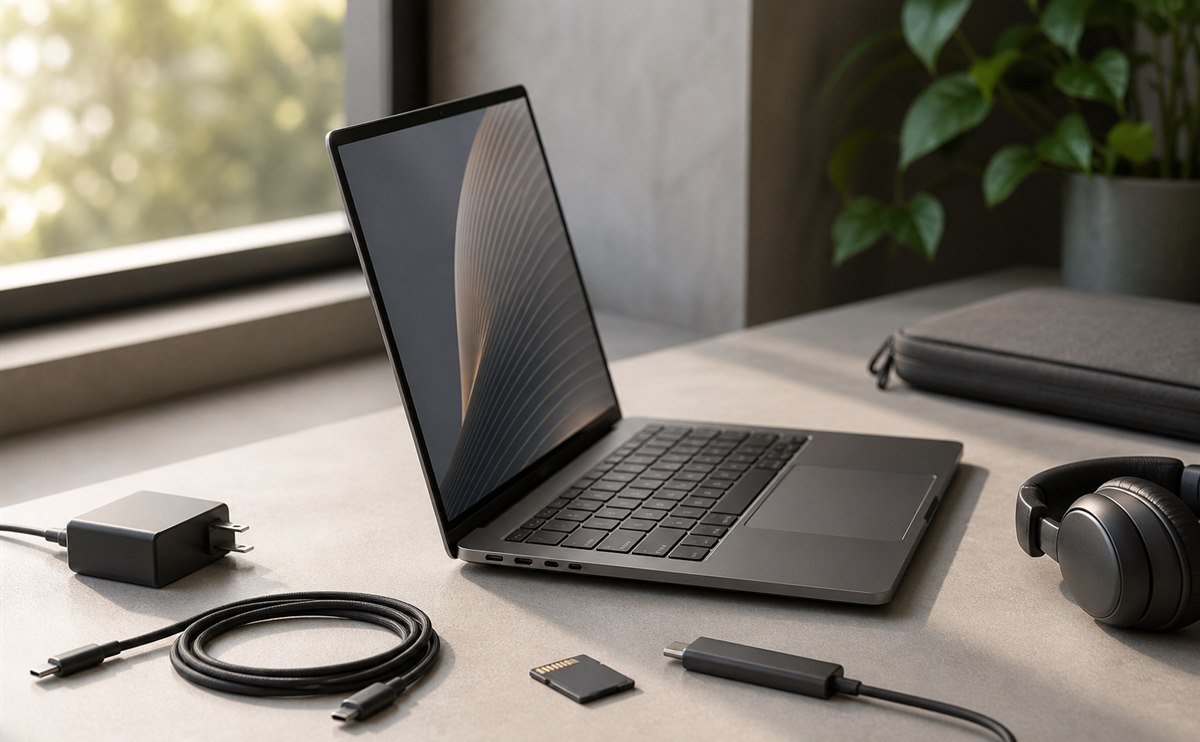
Port selection is a real advantage over thinner ultraportables. Depending on the configuration, users get Thunderbolt/USB-C, HDMI, an SDXC card slot, a headphone jack, and MagSafe charging. Photographers and video teams can often work without carrying a dock, although the base M3 model has fewer Thunderbolt ports and more limited external-display support than the Pro and Max versions.
2. Performance, display, and daily use
In everyday use, the M3 MacBook Pro feels fast because performance is consistent. Large photo catalogs scroll smoothly, code compiles without turning the palm rest into a heater, and multiple creative applications can stay open without aggressive fan noise. Apple silicon's unified-memory design also lets the CPU, GPU, and media engines work from the same memory pool.
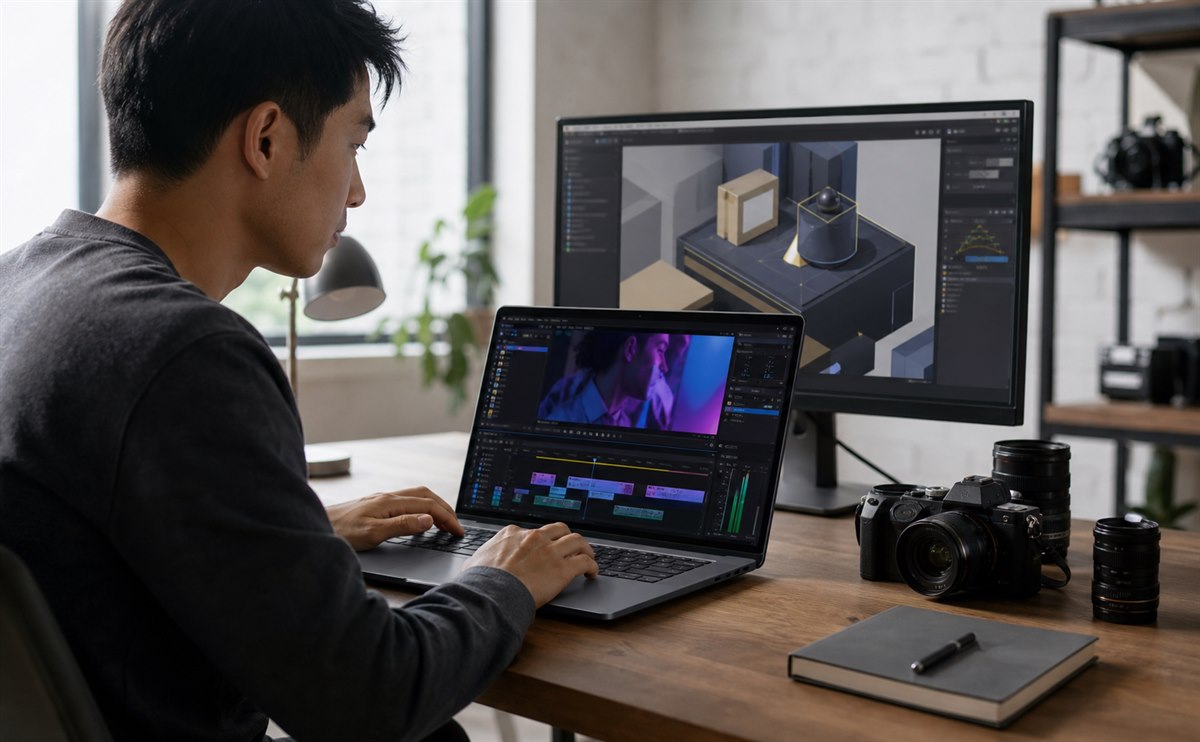
For video work, the dedicated media engines handle common professional codecs efficiently. M3 Pro is the balanced configuration for editors who regularly use multicamera timelines or motion graphics, while M3 Max makes sense when export time directly affects income. A standard M3 remains more than adequate for occasional 4K editing.
Graphics performance is stronger than in earlier entry-level Apple silicon, but game availability still depends on macOS support. Hardware ray tracing is promising, yet buyers should choose the machine for its existing software library rather than future game ports. Windows-only engineering, enterprise, or gaming workflows may still be better served by another platform.
Efficiency is one of the system's best qualities. Light office work, browsing, and media playback can last through a long working day, while intensive rendering naturally reduces runtime. The important point is that performance remains useful away from the charger; the laptop does not need to be plugged in to feel like the computer you paid for.
Thermal behavior is similarly controlled. Fans may become audible during long exports, 3D renders, or sustained compilation, especially on a high-end 14-inch configuration, but ordinary work is frequently quiet. The larger 16-inch chassis has more room to manage heat and is the better fit for users who keep the CPU and GPU busy for hours.
MagSafe provides a convenient dedicated charging connection while leaving the data ports free. USB-C charging is also useful for travel, provided the adapter supplies enough power. The included power adapter varies by configuration, so buyers comparing used or open-box machines should confirm exactly what is in the package.
3. Configurations, compromises, and verdict
Start with memory, not storage. The memory is built into the system and cannot be upgraded later, while external SSDs can expand storage. A base M3 with enough memory is a strong general-purpose creative laptop. M3 Pro is the safest all-round professional choice, and M3 Max should be justified by measurable workload needs.
- Choose 14-inch M3 for portability, general productivity, photography, and occasional creative work.
- Choose 14-inch or 16-inch M3 Pro for development, regular video editing, music production, and heavier multitasking.
- Choose M3 Max for demanding 3D, visual effects, large models, or workflows where render time has a clear cost.
Also verify external-display support, ports, battery health, warranty status, and keyboard layout when buying used. An attractive discount can disappear quickly if the memory is too small or the battery already needs service.
The M3 MacBook Pro generation remains an excellent professional laptop: fast, quiet, efficient, and built around one of the best mobile displays available in its era. Its weaknesses are equally clear. Upgrades were expensive, components are not user-replaceable, the notch is still present, and the base M3 configuration has connectivity limits that are easy to miss.
For an existing M3 owner, there is no urgent reason to replace the machine if it still meets memory and performance needs. For a new buyer, compare the complete configuration and final price with newer models rather than focusing on the M3 label alone. A well-priced M3 Pro with sufficient memory is often the sweet spot; an underconfigured bargain may be a false economy.
Apple's original technical overview of the generation is available in its official MacBook Pro announcement and M3 family introduction.