Best Tablets for Work and Entertainment in 2023

0
Tablet with keyboard and stylus on a modern desk

In 2023, the tablet market offered three genuinely different approaches to portable work. Apple's iPad Pro paired powerful hardware with a touch-first operating system, Samsung's Galaxy Tab S9 combined an AMOLED display with Android flexibility, and Microsoft's Surface Pro 9 ran full Windows software in a tablet-shaped PC.

The best choice depended less on benchmark charts than on applications. A designer drawing with a stylus, a manager living in Microsoft 365, and a traveler watching movies offline could all need different devices. Keyboard quality, file management, external-display behavior, video-call hardware, and accessory cost were as important as the processor.

This is a retrospective 2023 guide, not a claim that these are the newest tablets today. They remain relevant on the used and refurbished market, but buyers should compare battery condition, remaining software support, and the price of a complete setup with current models.

1. What made a great tablet in 2023

We looked for a balanced tablet that could move from focused work to entertainment without becoming awkward in either role. The core criteria were display quality, sustained performance, battery life, speaker quality, portability, app support, accessory ecosystem, and the ability to manage files and multitask.

A tablet sold without its keyboard can appear cheaper than it really is. Add the keyboard cover, stylus, protective case, storage upgrade, hub, and warranty before comparing totals. Some devices include a pen while others sell it separately.

A tablet can replace a laptop only when its operating system and apps support your actual workflow. Powerful hardware cannot fix missing desktop features.

Screen size is also a trade-off. An 11-inch device is easier to hold and pack; a 12- to 13-inch device provides a better canvas and desktop-like split view but is less comfortable for handheld reading.

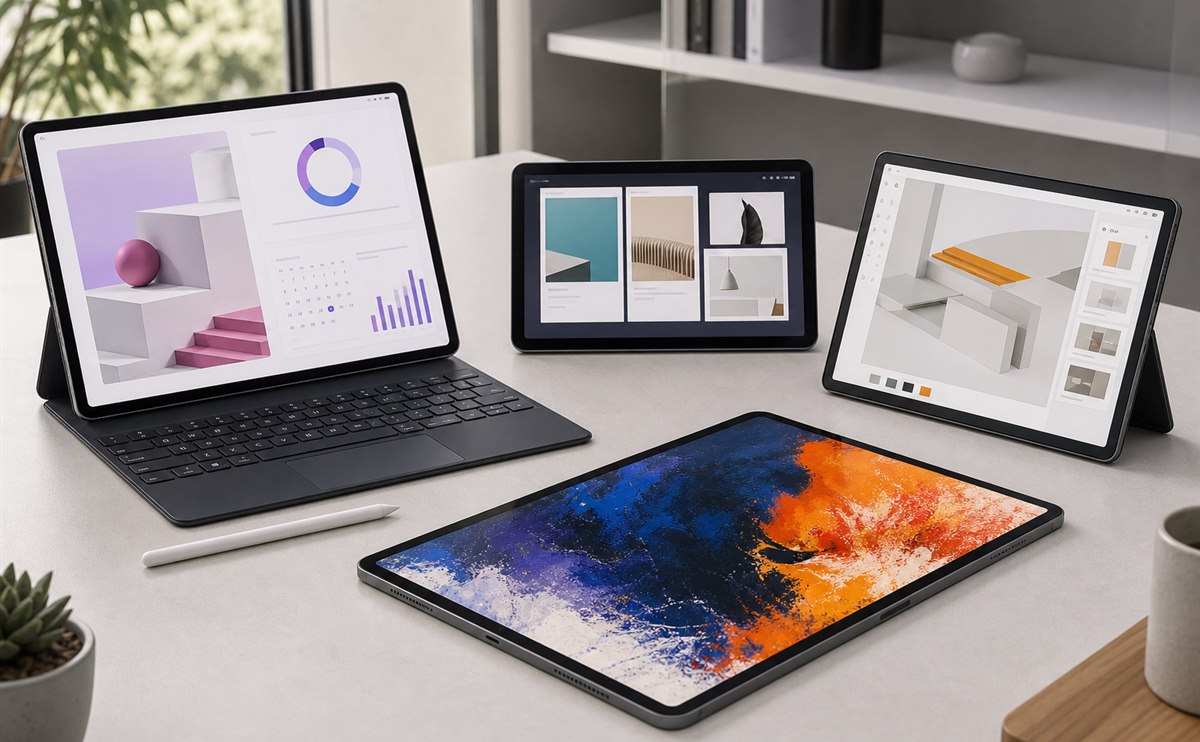
Four modern tablets arranged for productivity, drawing, and media

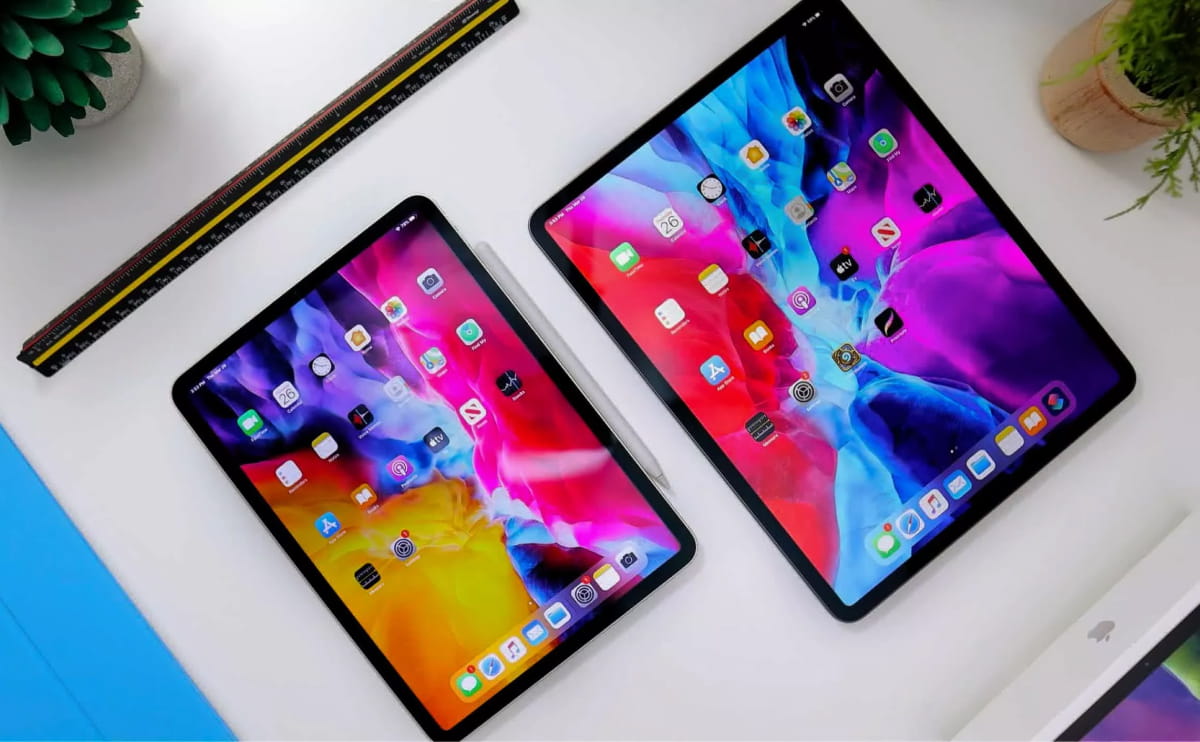
Best premium all-rounder: Apple iPad Pro with M2. The 2022 M2 iPad Pro remained one of the most capable tablets throughout 2023. It offered fast creative performance, a polished app ecosystem, strong speakers, excellent cameras, and support for Apple Pencil and keyboard accessories. The 12.9-inch version's Liquid Retina XDR display was especially attractive for HDR video and visual work.

Its limitation was not speed but iPadOS. Stage Manager and external-display support improved multitasking, yet some desktop file, plug-in, coding, and specialist business workflows remained easier on macOS or Windows. It was the strongest choice for artists, note takers, mobile editors, and users whose core apps were designed for iPad.

The 11-inch model balanced portability and performance. The larger model was a better desk companion, but its keyboard-equipped weight and total price approached a laptop.

2. Android and Windows alternatives

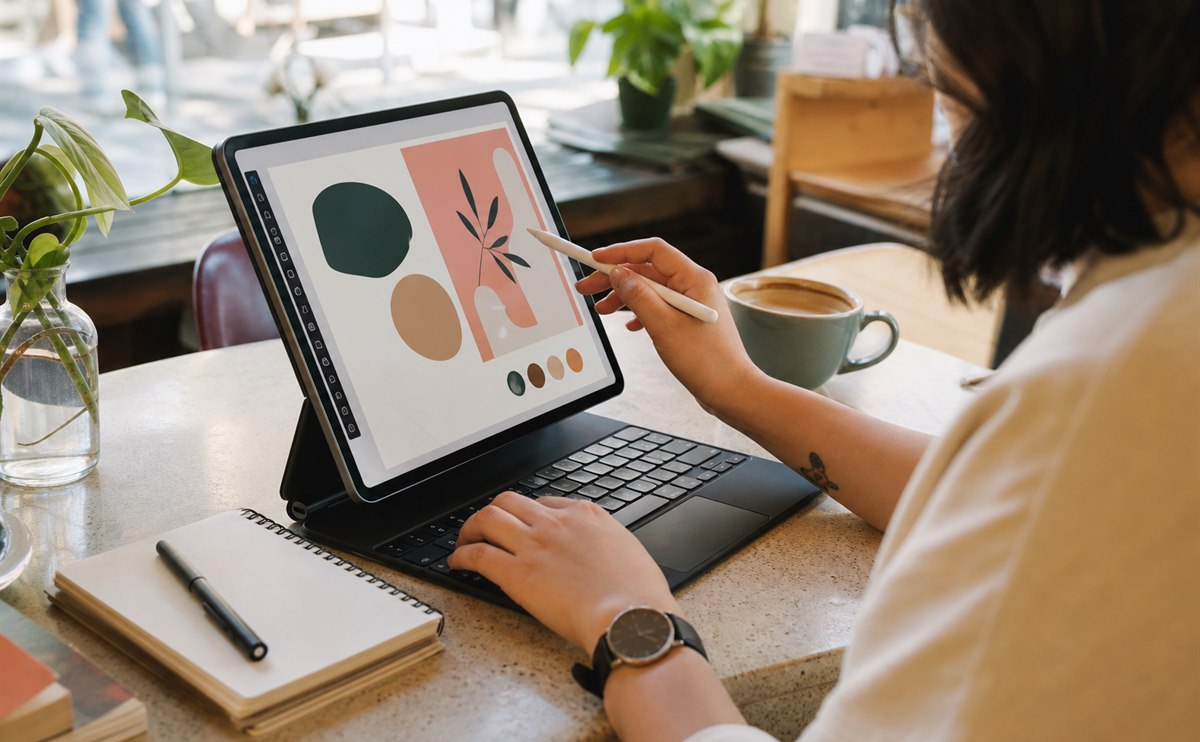
Designer working on a tablet with keyboard and stylus in a cafe

Best Android work-and-media tablet: Samsung Galaxy Tab S9. Launched in 2023, the Tab S9 family brought Dynamic AMOLED 2X displays across the range and included the S Pen. Samsung DeX provided a desktop-style interface, while microSD expansion and flexible file handling made local media libraries easier to manage.

The standard Tab S9 was the portable option, Tab S9+ offered more workspace, and Tab S9 Ultra delivered a very large canvas for multitasking and video. The series also introduced IP68 water- and dust-resistance to Samsung's premium tablet line, a practical benefit for travel and field use.

Android tablet apps were still inconsistent: major creative, office, and media tools worked well, but some phone apps did not take full advantage of the large screen. Buyers needed to check the exact applications that mattered rather than assuming desktop parity.

Best for full desktop software: Microsoft Surface Pro 9. Surface Pro 9 combined a built-in kickstand, detachable keyboard support, pen input, and Windows 11. It could run standard desktop browsers, development tools, business software, peripherals, and enterprise management systems that mobile operating systems could not always replace.

Intel configurations provided the broadest conventional Windows compatibility. The 5G model used Microsoft's SQ3 platform and offered mobile connectivity, but application and driver compatibility required more attention. In either case, the keyboard and pen were important parts of the experience and affected the final price.

Surface Pro 9 behaved more like a very thin laptop with a removable keyboard than a relaxed media tablet. It was excellent on a desk or tray table, but the kickstand was less stable on a lap than a traditional notebook hinge.

3. Accessories, software, and buying advice

Person relaxing with a tablet, headphones, and game controller

For work, prioritize the application list first. Confirm desktop browser features, VPN support, cloud-storage behavior, fonts, external drives, printer access, video-conference tools, and any company security requirements. Test how the tablet handles two apps side by side and whether it drives the external monitor you intend to use.

For entertainment, compare display brightness and aspect ratio, speakers, HDR support in the services you subscribe to, headphone options, storage for downloads, and how comfortable the device is to hold. A large 3:2 or 4:3 work screen shows more letterboxing in widescreen movies, while a wider Android display can feel more cinematic.

Accessories can transform the device but also add friction. A good keyboard needs stable keys and a useful trackpad; a pen needs low-latency support in your chosen app; a case should protect the screen without making the tablet too heavy. Buying every accessory “just in case” is rarely good value.

For the 2023 market, iPad Pro M2 was the best premium creative and tablet-native experience, Galaxy Tab S9 was the most balanced Android option for media and flexible multitasking, and Surface Pro 9 was the clear choice when full Windows software was mandatory. None was universally superior because they solved different software problems.

When buying one today, inspect battery health, screen condition, USB ports, keyboard wear, stylus pairing, account locks, and warranty status. Confirm the exact storage and cellular configuration, then compare the complete used price with a newer midrange tablet. Older flagship hardware is only a bargain when it still receives the apps and updates your workflow requires.

Original specifications and positioning are available in the official introductions for M2 iPad Pro, Galaxy Tab S9, and Microsoft's Surface Pro 9 specifications.

Leave a Reply

Your email address will not be published. Required fields are marked *