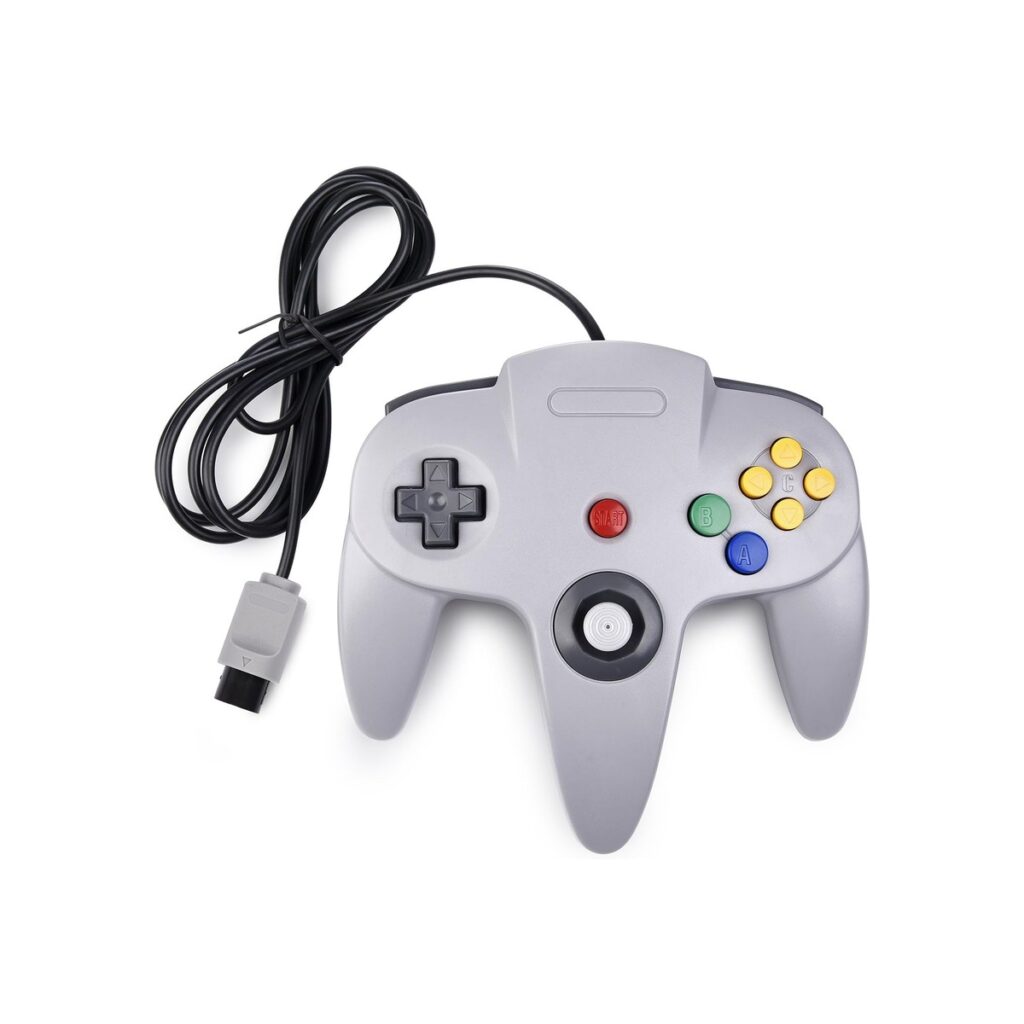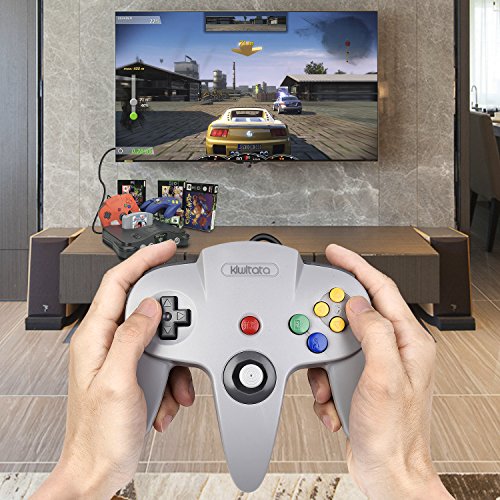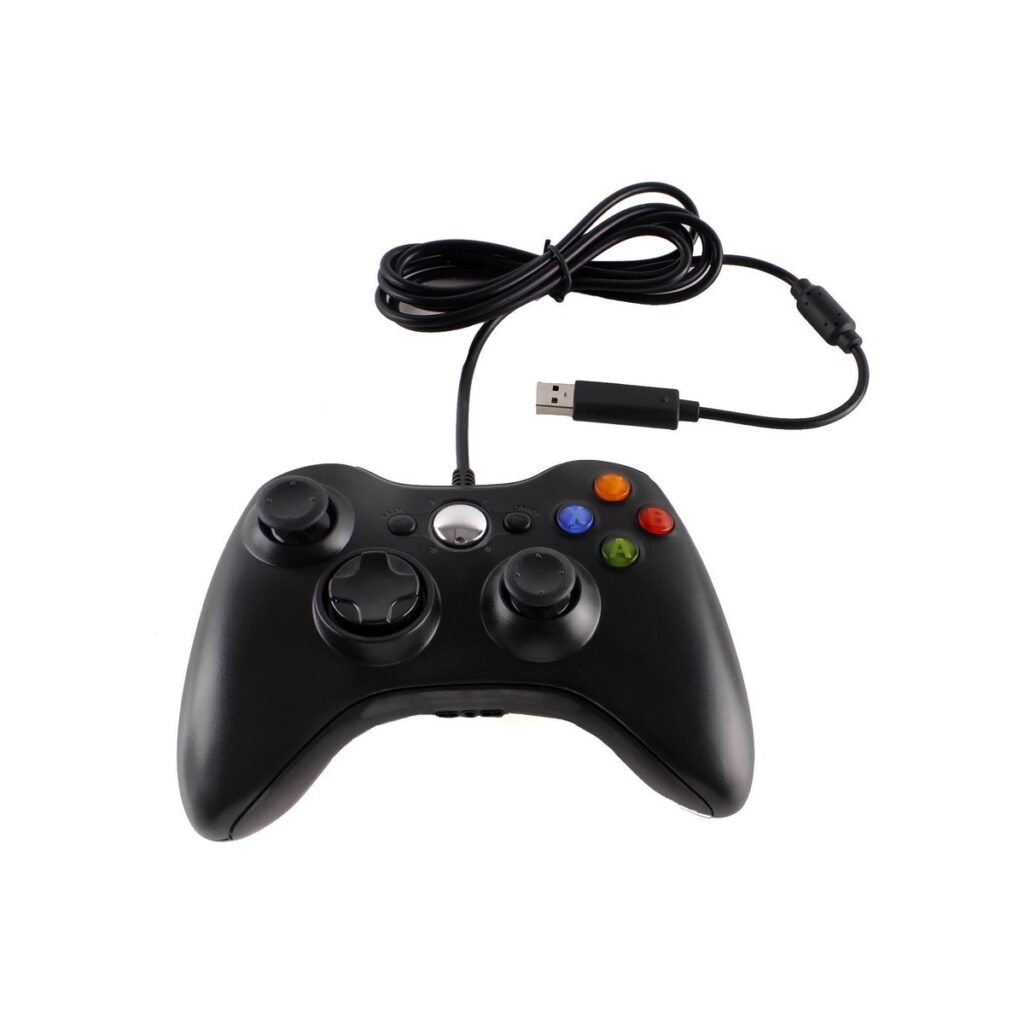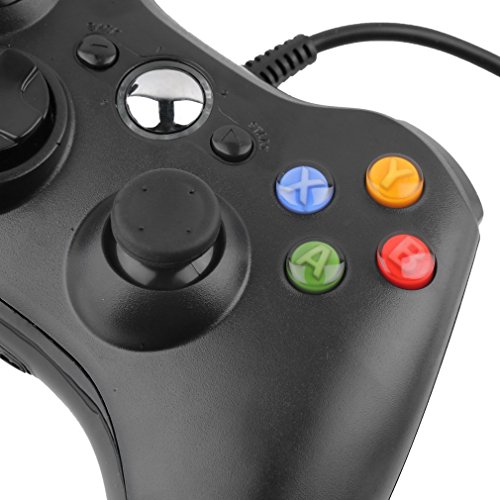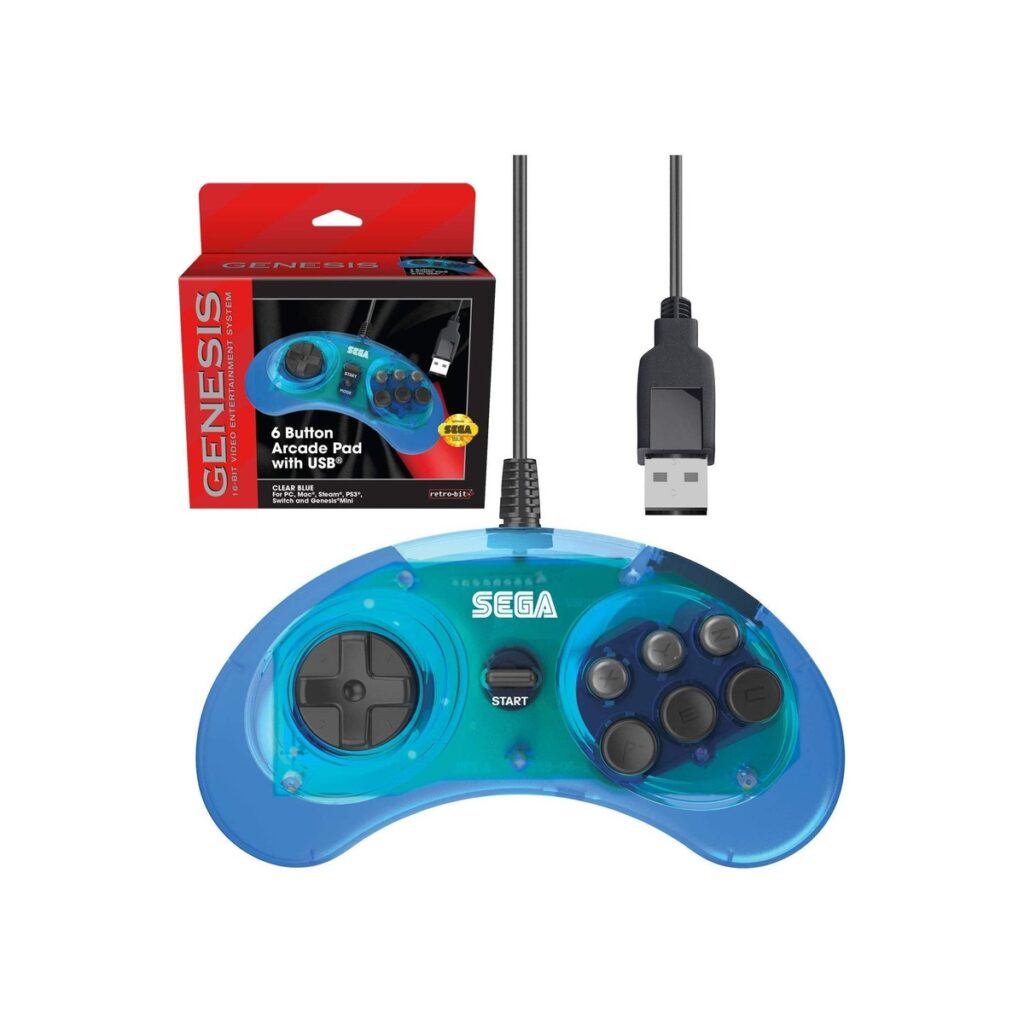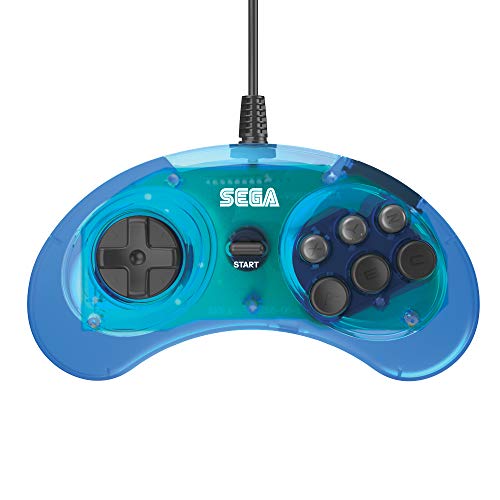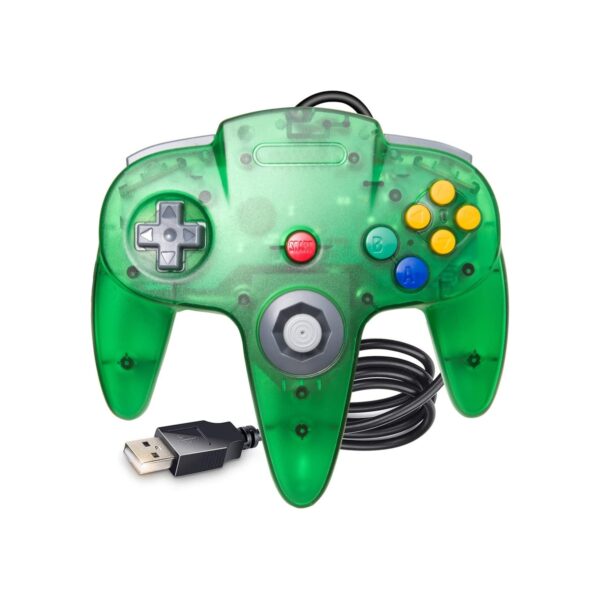
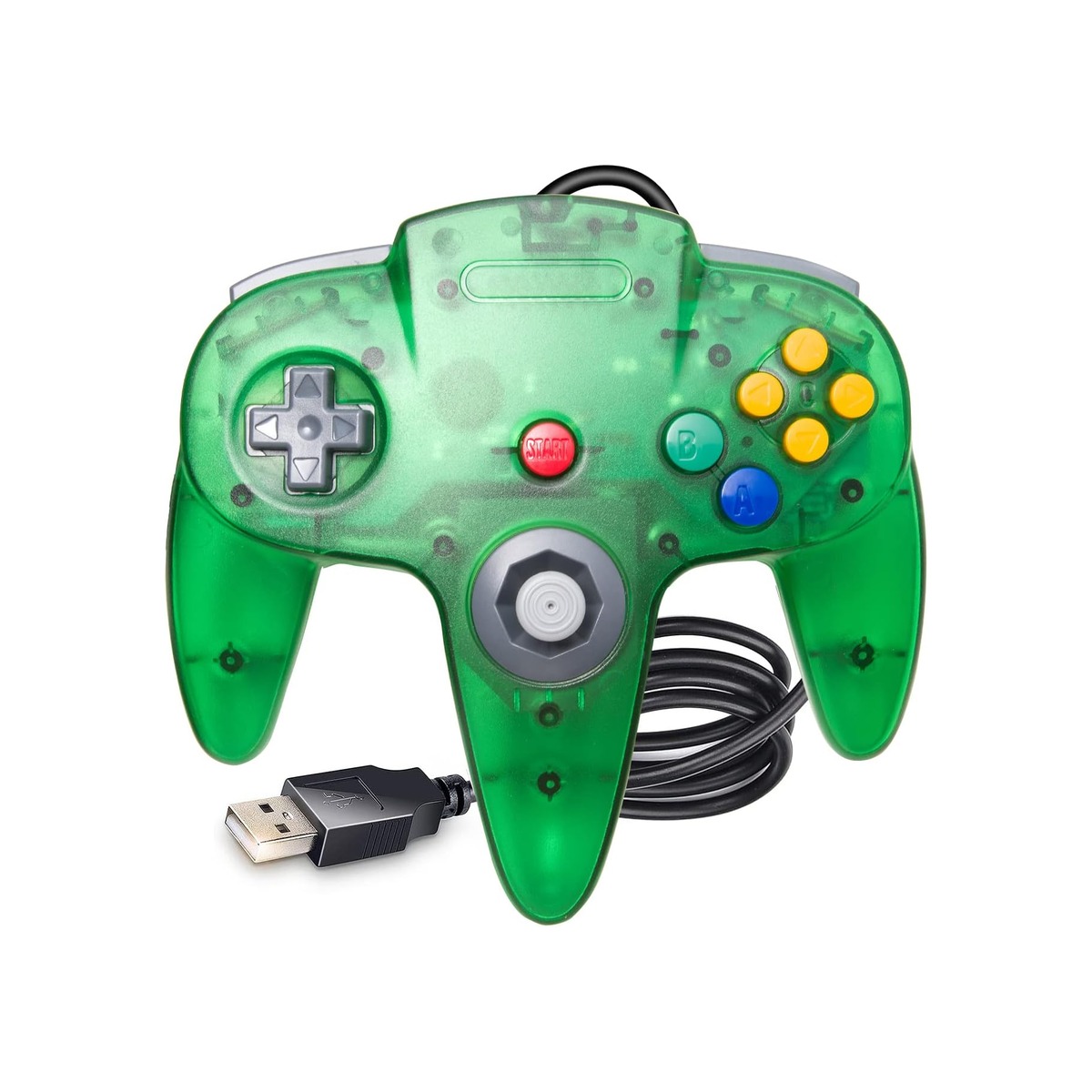
KIWITATA Classic N64 USB Controller, N64 Remote Wired Emulated Game Joystick
-
Pick up from the Woodmart Store
To pick up today
Free
-
Courier delivery
Our courier will deliver to the specified address
2-3 Days
From $40
-
DHL Courier delivery
DHL courier will deliver to the specified address
1-2 Days
From $40
$19.99
Description
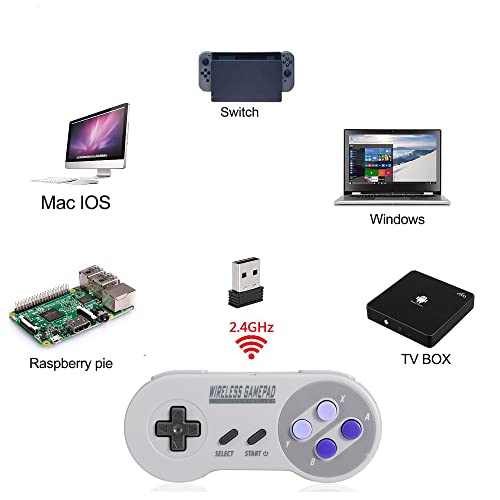
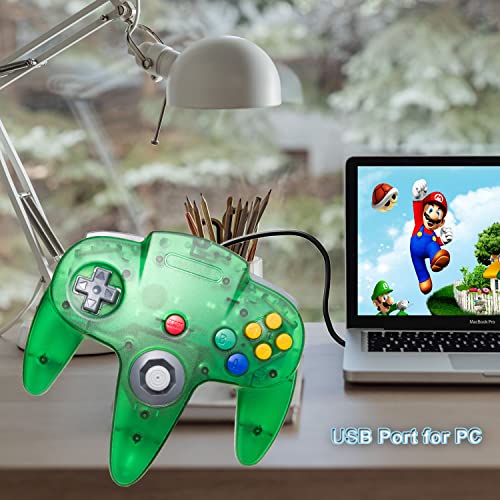
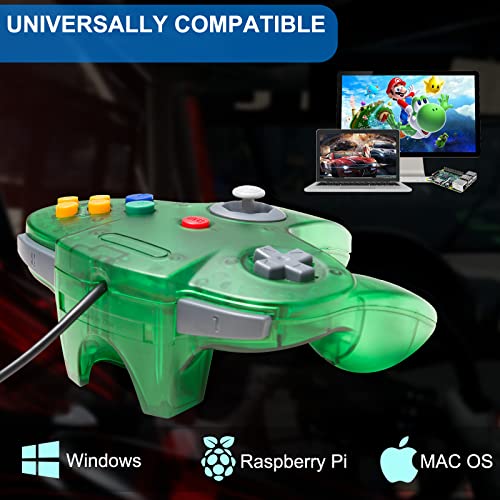
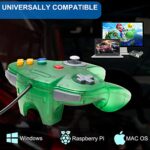
Supported game device with usb port: PC Computer, Notebook/Laptop Computer Raspberry Pi ,Raspberry Pi 1 Model B, Model A, Raspberry Pi 1 Model B+, Raspberry Pi 2,Raspberry Pi OS, Raspberry Pi 3 Model B+, Raspberry Pi 3, Raspberry Pi Zero. Support game Emulator: Project 64,OpenEmu,MegaN64,Mupen64,Mupen64Plus FZ,RetroArch,ClassicBoy and SixtyForce etc. 1)Mupen64Plus FZ is one of the newer N64 emulators. 2)RetroArch is one of the better N64 emulators 3)SixtyForce is the best option for emulating the N64 console natively in Mac OS X. How to map Buttons on Mac for N64 Gaming 1.) Head to the official OpenEmu website to download the emulator 2.) Plug your USB controller into any available port on your Mac. The device will automatically detect it within seconds. 3. )Open the "OpenEmu" Emulator > Preferences > Controls. 4.) Assign Your Input Device :Under "Input Device", select the option" Generic USB joystick" 5.)Redefine USB controller' buttons ( D-pad、SELECT、START、B、A、C button、Joystick — define)- confirm, and Choose Emulator Rom file (game) -START-Play computer games. Specification: Connection: USB A wired 8-Way directional Pad,precise 3D analog stick Compatible with Windows XP(7/8/11) and Mac OS X system Approximately 6ft. cable NOT Compatible with Android Box and Steam games Q: When the controller didn’t recognize and connect the PC or MAC? Please first insert the controller into your device, then open the game emulator, or insert it into USB port located at the back of the computer. Q: When the mapping input is not recognised or wrong ? Click the button on the output box interface with your mouse, then press the corresponding button on the gamepad to complete the mapping Package included: 1* N64 USB controller
About this item
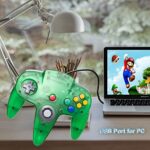
- 🕹️ Wired N64 Controller works for Windows PC & MAC & Raspberry Pi 3, also can connect Android phone via USB-C OTG cable. Specially designed for classic N64 emulated games on pc /mac or Raspberry Pi. (USB version, not working for Switch 1/Switch 2)
- 🕹️ Compatible with Windows and Mac OS X, running Windows 98/2000/ ME/XP/Vista/Win 7/8/8.1/11 or later,or Mac running OS X,Mac OS X and macOS.It works with most of emulators you wish to download and use.Such as Project 64(PC),OpenEmu(MAC),Mupen64,Mupen64Plus FZ,ClassicBoy and SixtyForce etc.
- 🕹️ No external power required,requires you to download the game emulator. The cord is approx. 1.7 meters (6ft). Notice: please download the emulator first before start the games, you can download the emulator “Project64” on PC and “OpenEmu”on MAC.
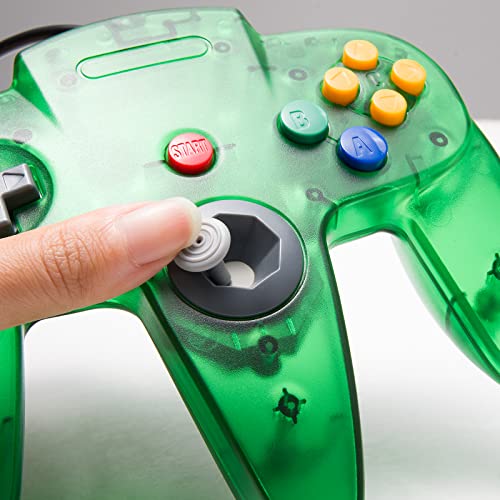
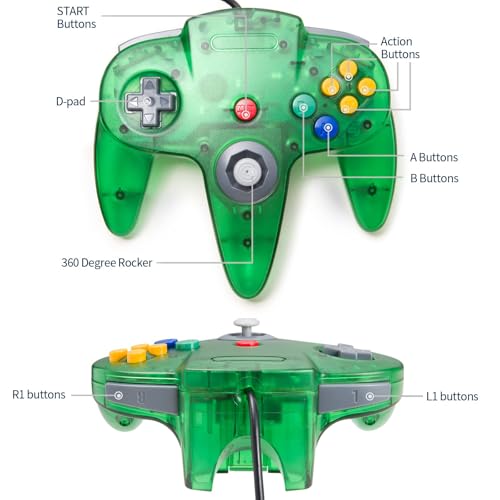
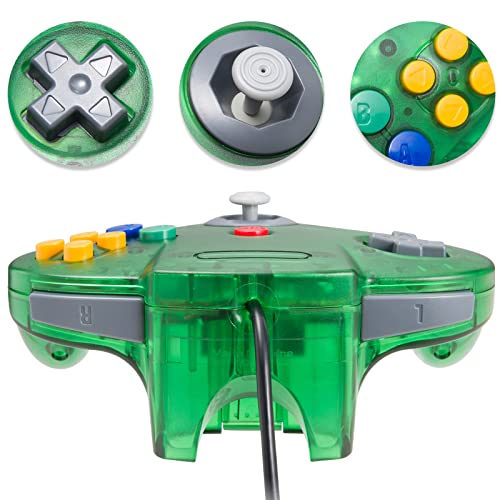
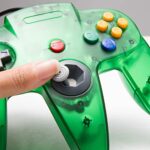
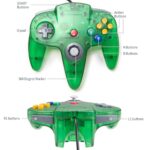
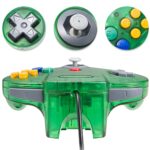
- 🕹️ Tight and accurate analog control, the controller features 10 function buttons (including Left and Right shoulder functions and Z-trigger). The "M" shape grip is designed to fit the contour of your hands, small span of buttons, easy and comfortable to hold and control.
- 🕹️Third party N64 controller, there are no connectors to use a "rumble pack". But you can play N64 games on the computer very well with your friends and family, such as Super Smash Bros,Mario Kart, Perfect Dark, Zelda,Racing Games and more other classic N64 games.
Specification
Overview
| Color | Green |
|---|---|
| Compatible Devices | Mac, PC, Raspberry Pi, Windows |
| Controller Type | Windows |
| Connectivity Technology | USB A |


Reviews
There are no reviews yet.